ultrawide vs dual monitors: which setup is better?
A practical comparison for gaming, work, desk space, comfort, cost, and GPU requirements.
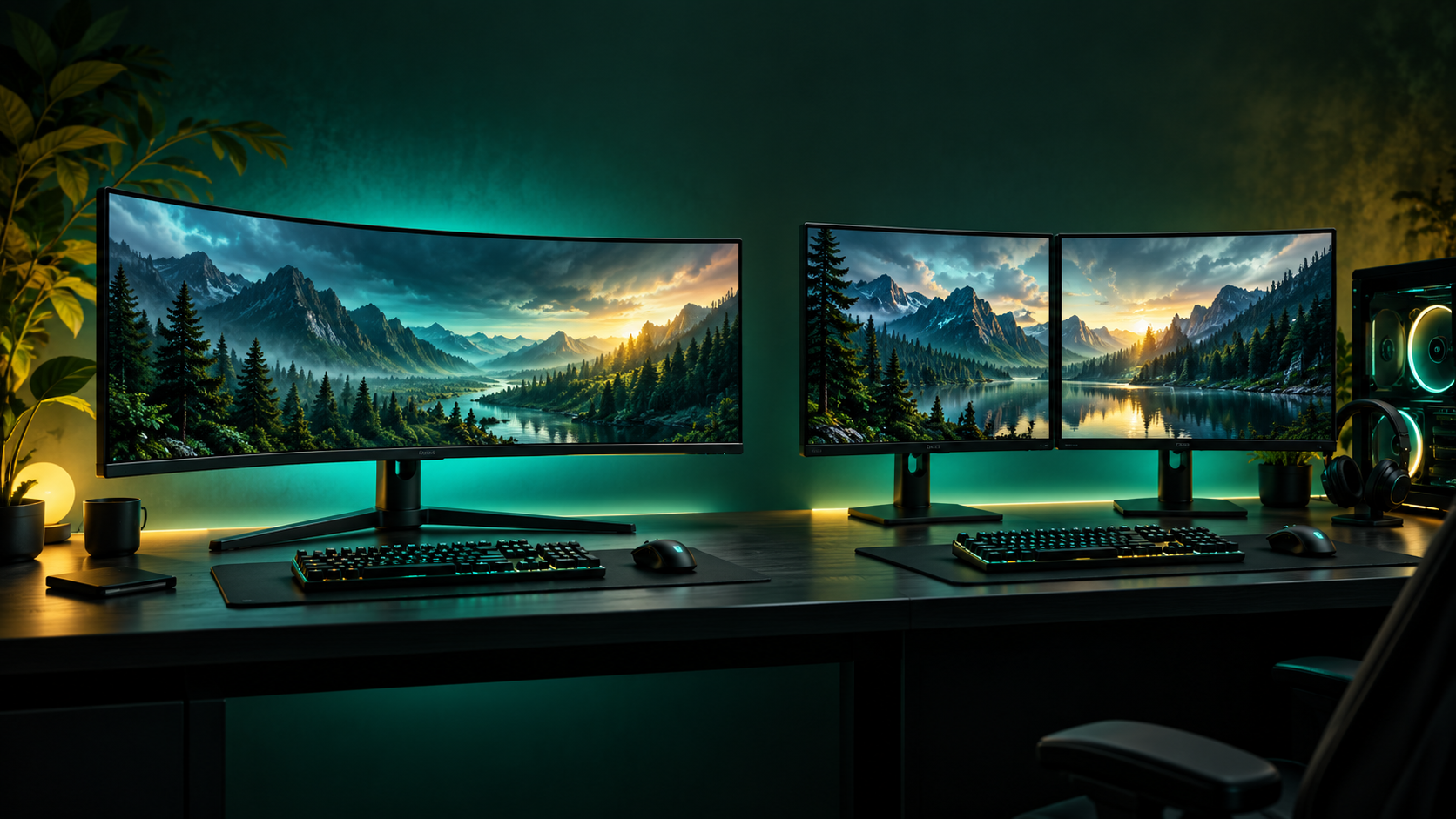
quick answer
- Choose ultrawide for immersive gaming and a cleaner desk.
- Choose dual monitors for multitasking and flexibility.
- Check GPU power, ports, desk space, and game compatibility first.
what is an ultrawide monitor?
An ultrawide monitor uses a wider aspect ratio than a standard 16:9 display. Common formats include 21:9 and 32:9. The continuous image is excellent for racing games, simulations, editing timelines, and wide browser layouts.
The trade-off is compatibility: some older games may show black bars or stretch the image. A 3440 × 1440 display also needs more GPU power than standard 1440p.
what is a dual-monitor setup?
A dual-monitor setup uses two independent displays connected to one computer. You can use one for gaming and the other for chat, guides, music, documents, or streaming tools.
Windows supports extended and duplicated displays. See Microsoft’s multiple-monitor guide for the basic layout options.
gaming experience
ultrawide gaming
Ultrawide gaming feels more immersive because there is no bezel in the center. It works especially well for racing, flight, strategy, and open-world games that support the format.
dual-monitor gaming
Most players use one monitor for the game and the second for supporting apps. It is less immersive for one continuous game image, but more useful during live sessions.
productivity and multitasking
Dual monitors usually win for productivity because each screen can hold a separate task. An ultrawide can provide a similar workspace with window layouts, but it feels like one large canvas rather than two dedicated areas.
desk space and ergonomics
An ultrawide generally needs fewer cables and one stand. Dual monitors need more desk width, careful alignment, and better cable management. Keep the screen you use most directly in front of you and close to eye level.
performance, ports, and refresh rate
Before buying, check resolution, refresh rate, available ports, and graphics-card support. A high-refresh ultrawide may need DisplayPort or HDMI 2.1. Two monitors may use different outputs. Microsoft also provides an external-monitor troubleshooting guide.
which setup should you choose?
| choose ultrawide if… | choose dual monitors if… |
|---|---|
| gaming immersion is your priority | multitasking is more important |
| you want one clean image | you need chat, documents, or streaming tools visible |
| your GPU can handle the resolution | you want to upgrade one display at a time |
buying checklist
- measure your desk width and depth
- check GPU outputs and target refresh rate
- confirm ultrawide support in your main games
- compare stand, arm, warranty, and dead-pixel policies
- check HDR certification and brightness
our verdict
Ultrawide is best for immersion and a clean desk. Dual monitors are best for multitasking, streaming, research, and flexible upgrades.
explore gaming gear →frequently asked questions
is an ultrawide better than two monitors for gaming?
It is usually better for immersion. Two monitors are more useful when the second display is used for chat, guides, or applications.
can I use an ultrawide and a second monitor together?
Yes. An ultrawide can be the main display while a smaller monitor handles chat, browsing, or streaming tools.
is a curved ultrawide better?
A curve can make the edges feel closer on very wide screens. It is a comfort preference, not a requirement.